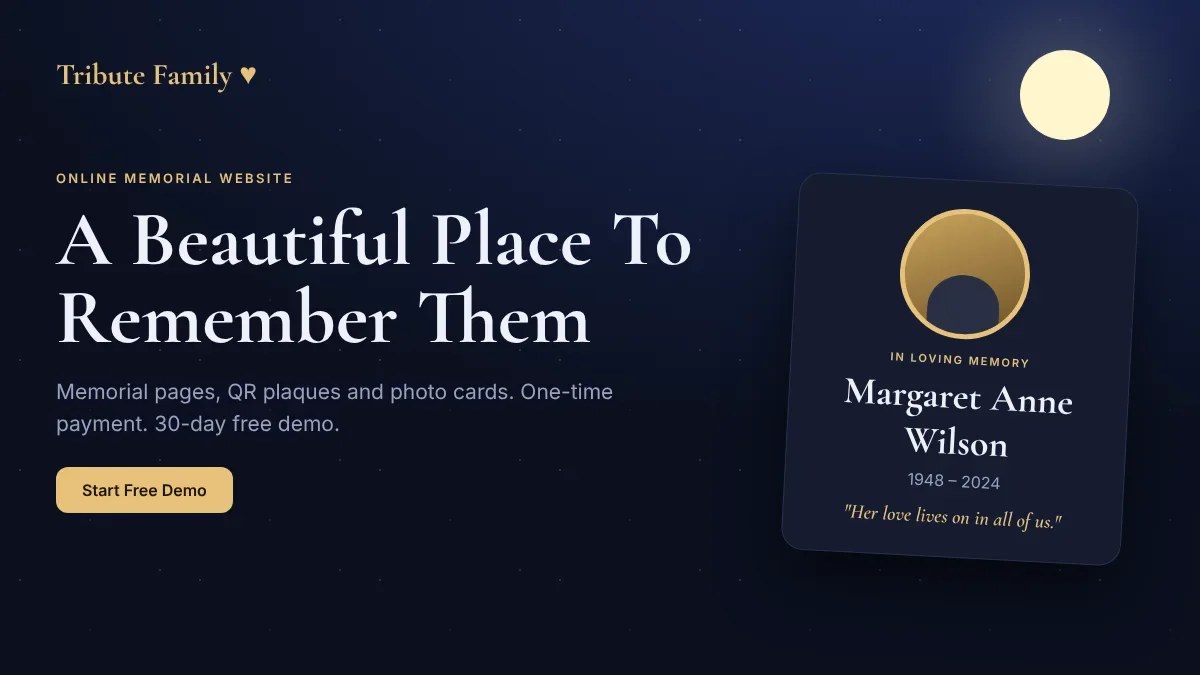
Online Memorial Website: Create a Memorial Page, QR Plaque and Photo Cards with Tribute Family
An online memorial website gives a family one lasting place to remember a loved one. Tribute Family lets you build a memorial page with photos, a life story and tributes, add a QR plaque for a grave marker, and make memorial photo cards to print or share. You pay once, there is no yearly fee, and you can try everything free for 30 days. This guide explains what you get, how it works, what each plan costs, and how to make your first page in a few quiet minutes.
What Is an Online Memorial Website?
An online memorial website is a web page made to honor someone who has passed away. It usually holds their name and dates, a portrait, photos, the story of their life, details of a service, and messages from the people who loved them. Unlike a social media post, it does not disappear into a feed. It has its own address that you can share, print and keep.
Families choose a memorial page for many reasons. Relatives live in different cities or countries and want one place to gather. A grave marker is small, and a QR code on it can open a full story. Older family stories are in danger of being forgotten and need to be written down while people can still tell them. Whatever the reason, a good memorial page is simple to build, calm to look at, and easy for every relative to open on a phone.
Quick Tip: Start with the basics: a clear photo, the name, the dates and two or three sentences. You can add the full story, more photos and tributes later. A simple page that exists is better than a perfect page that never gets finished.
What You Get With Tribute Family
Tribute Family is built around three things: the memorial page itself, ways to bring the page into the real world (QR plaques and cards), and pages that connect people (joint and family pages).
The Memorial Page
Each memorial page has a portrait and cover, name and dates, a short line in their memory, a life journey timeline, photos, service details and a tributes section. You can add up to 100 photos to each page.
- Life story and timeline: Write the story in your own words, and add the important moments year by year.
- Photo gallery: Up to 100 photos on every page.
- Tributes and flowers from visitors: Friends and relatives can leave a message. Every tribute waits for your approval before it appears, so you stay in control.
- Service details: Add the date, place and time of the funeral or prayer meeting so relatives know where to come.
- Print or save as PDF: Every memorial can be printed or saved as a PDF.
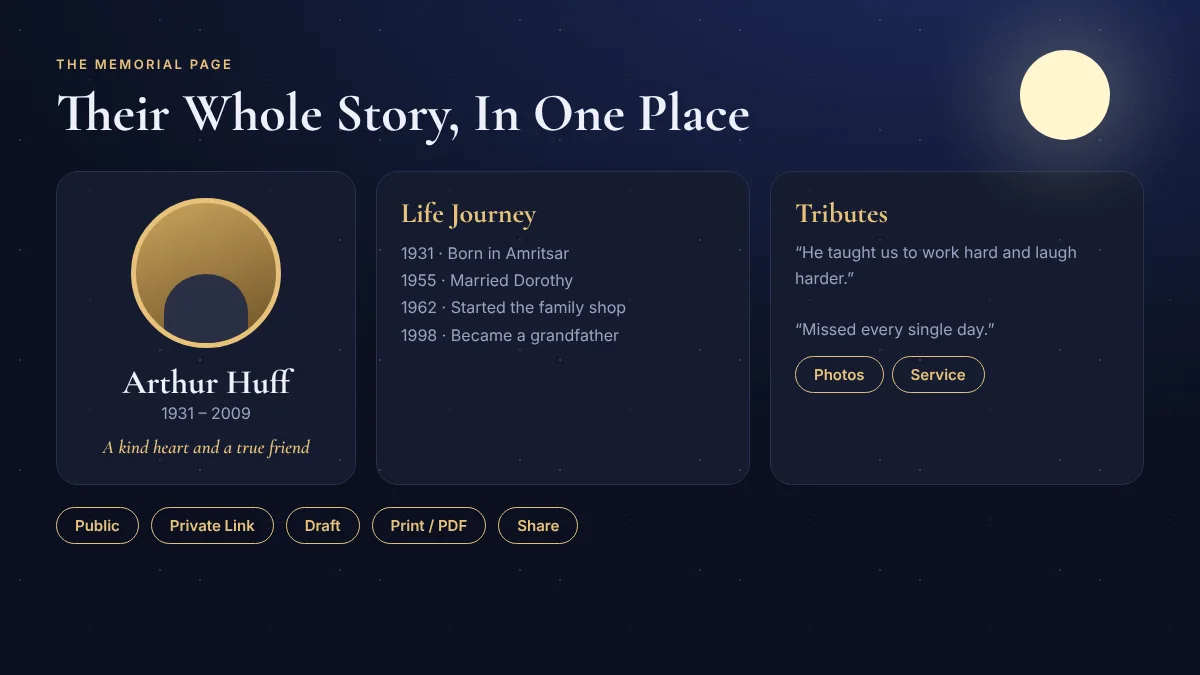
You Choose Who Can See It
Privacy matters. For every page you pick one of three settings and can change it at any time:
- Public: Anyone can find and open the page.
- Private link: Only people who have your link can open it. It is not shown on Google.
- Draft: Only you can see it while you are still working on it.
Share It Easily
Every page can be shared on WhatsApp, Facebook and email with one tap, which is how most families pass memorial links around. The page works on phones, tablets and computers.
QR Code Plaques for Grave Markers and Frames
A memorial QR code turns a small plaque or photo frame into a doorway to the full story. Anyone who visits the grave can point a phone camera at the code and open the memorial page, with photos, the life story and tributes.
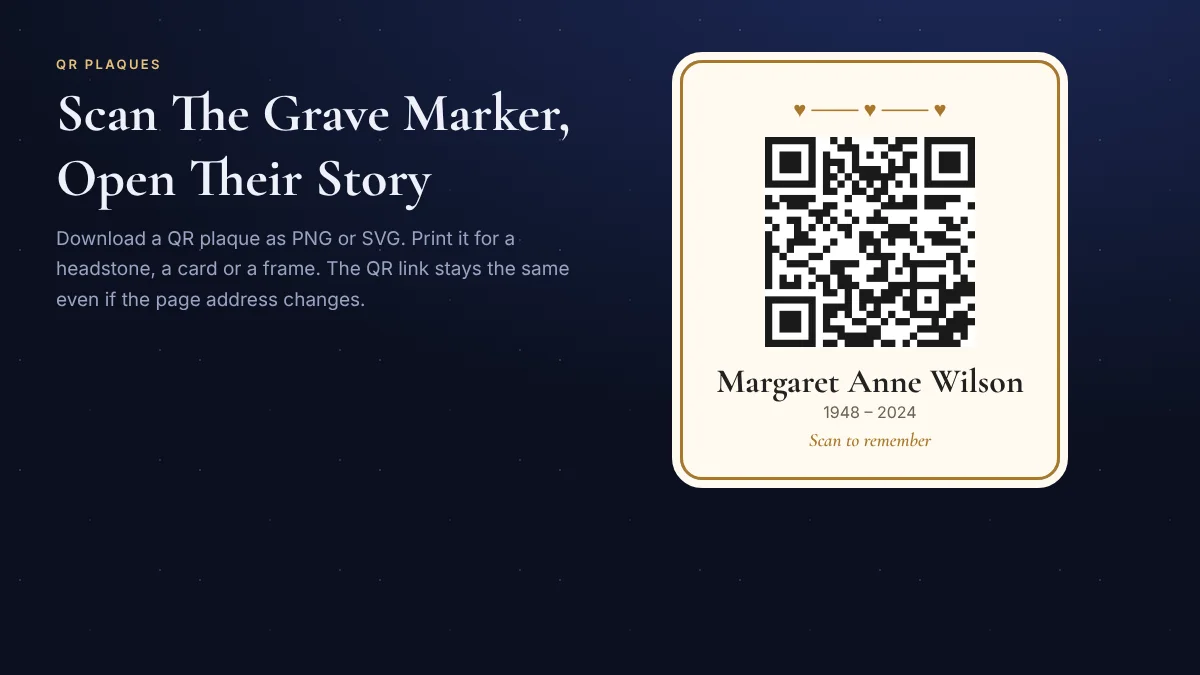
With Tribute Family you design the plaque yourself. There are 50+ plaque designs, with the name, dates and a short message, or QR-only designs with no text. You can change the colours, the dot style (soft dots, squares, round dots or hearts), and put a heart, your own logo or a photo in the middle. Then download the plaque as a PNG or SVG, or print it directly.
- The link stays the same: The QR holds a short permanent link. Even if the page address changes later, the plaque you printed keeps working.
- Ready for stone and metal makers: The SVG file can be sent to an engraver or a printing shop.
- Strong error correction: The QR is made so that a heart, logo or photo in the middle does not stop it from scanning.
Always test before you print. Scan the finished plaque with your own phone, and with an older phone if you can, before ordering a stone engraving or a large print.
Memorial Photo Cards
Memorial cards are the small keepsakes handed out at a funeral, prayer meeting or anniversary. With Tribute Family you can make a memorial photo card from a published memorial page: add the photo, name and dates, choose from 30 colours, and include a QR code that opens the page.
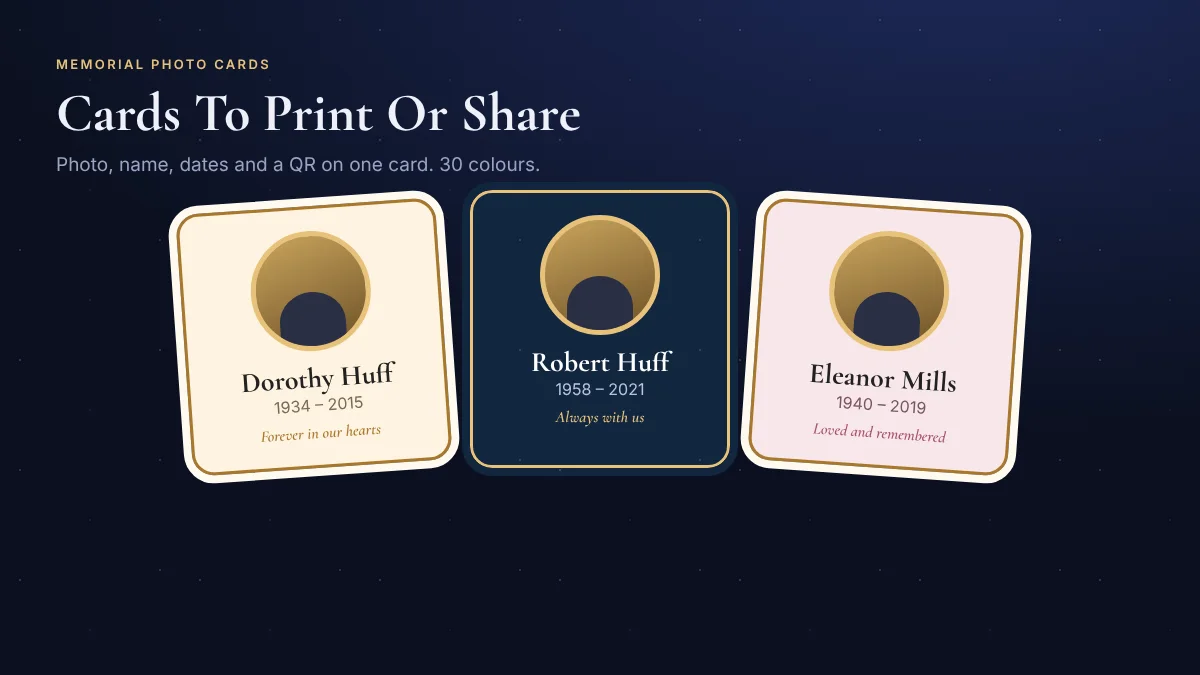
You can download the card as an image to print at home, send to a print shop, or share on WhatsApp. The QR on the card uses the same permanent link as the plaque, so every printed card always opens the right page.
Joint Pages and Family Pages
Some stories belong to more than one person. Tribute Family has two extra page types for this.
- Joint page: One page for two people, for example a couple. It brings their two memorials together with their shared story, photos and tributes.
- Family page: One shared page that brings the memorials of the family together, like a family tree you can open and walk through. Each person keeps their own memorial, and the family page links them all. It opens when the account has four memorials.
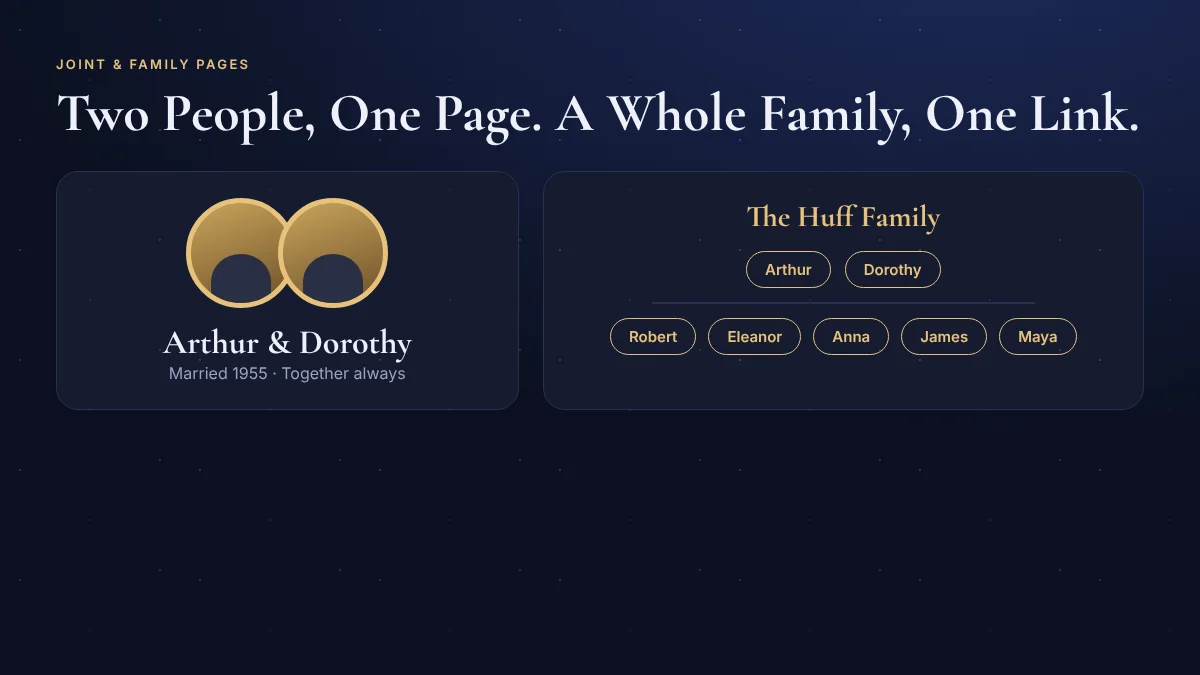
One link for the whole family is very useful when relatives are spread out. They can open the family page, tap a name and read that person's story.
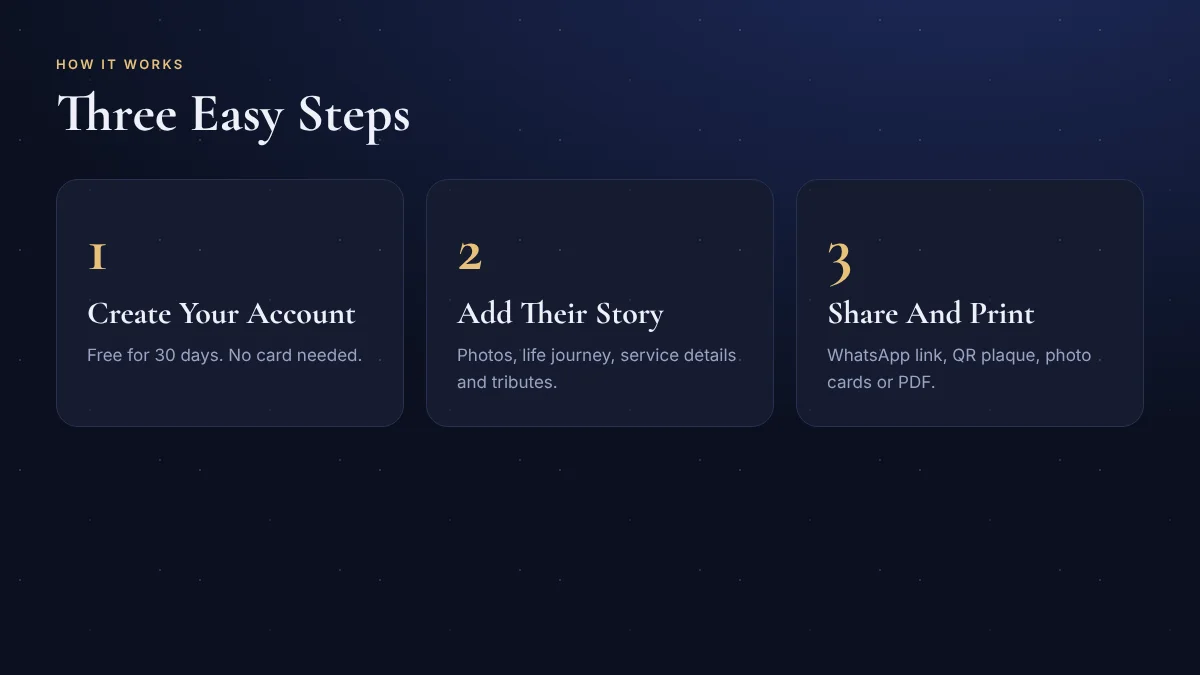
How to Create a Memorial Page in 3 Steps
You do not need any technical skill. Most people finish a first page in a quiet half hour.
- Create your account. Sign up for free. The 30-day demo needs no card.
- Add their story. Upload a photo, enter the name and dates, and write a few lines. Add the life journey, more photos and service details when you are ready.
- Share and print. Choose who can see the page, send the link to family, and make a QR plaque or memorial cards.
If you would rather not build it yourself, you can send the names, dates, a few photos and the story through the contact page, and the Tribute Family team will build the page for you. This help is free.
Tribute Family Pricing
Tribute Family is a one-time payment, not a yearly subscription. “One time” means for as long as Tribute Family is running. Every account starts with a free 30-day demo, so you can build your pages and see how everything looks before you pay.
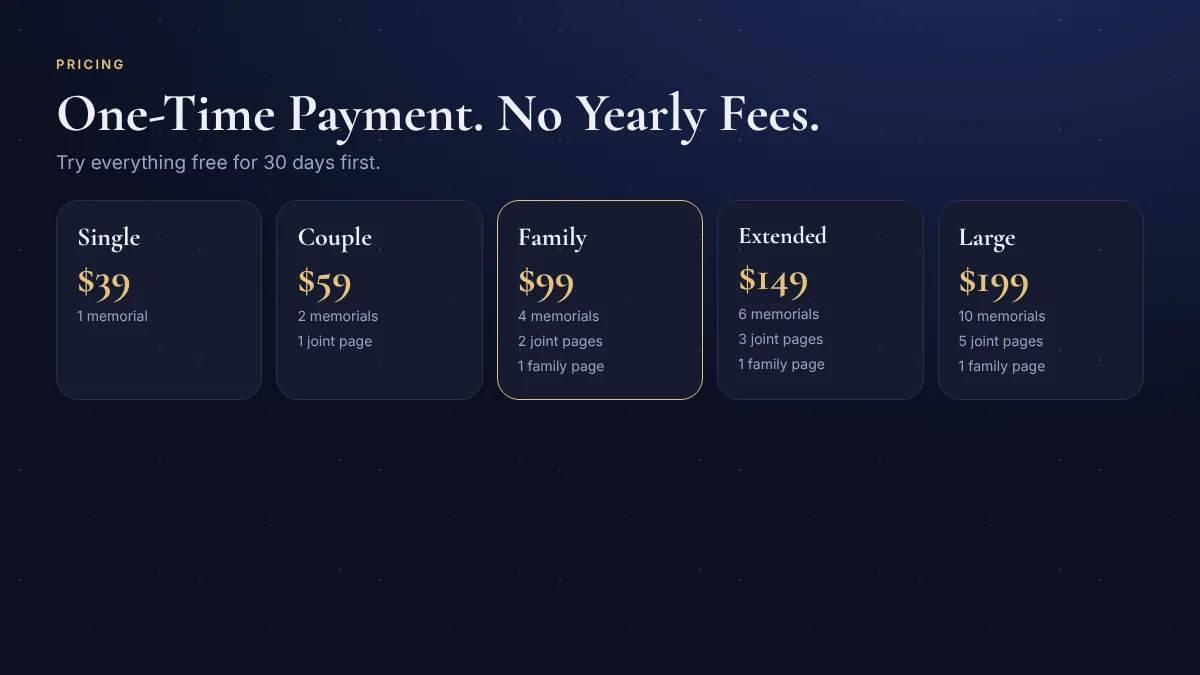
| Plan | Price | Memorial Pages | Joint Pages | Family Page |
|---|---|---|---|---|
| Single | $39 | 1 | 0 | 0 |
| Couple | $59 | 2 | 1 | 0 |
| Family (most popular) | $99 | 4 | 2 | 1 |
| Extended Family | $149 | 6 | 3 | 1 |
| Large Family (best value) | $199 | 10 | 5 | 1 |
Good to know about the plans:
- You can upgrade to a bigger plan at any time and pay only the difference.
- A paid plan cannot be changed to a smaller one, and plans are not refunded, so use the 30-day demo first.
- When the demo ends, your pages are not deleted. They stay saved for 90 more days, closed to visitors, so you can choose a plan in that time.
- Payment is made safely with PayPal.
See the full details on the Tribute Family pricing page, or look at real pages on the examples page before you decide.
Tips for Writing a Memorial Page
- Start small. A photo, the name, the dates and a few lines are enough to publish. Add more as you remember.
- Choose the clearest photo. A bright, front-facing portrait looks best on the page, plaque and cards.
- Write in their voice. A favourite saying, a habit, or a small story says more than a list of facts.
- Ask relatives for stories. Share the private link and ask each person to leave one memory. Tributes are shown only after you approve them.
- Check the dates and spelling of every name, especially before printing a plaque or cards.
- Test your QR code. Scan every printed plaque and card with a phone before you hand it out.
Frequently Asked Questions About Online Memorial Websites
What is an online memorial website?
An online memorial website is a web page that honors a person who has passed away. It holds their photos, life story, service details and messages from family and friends, and can be shared with a link or a QR code.
How much does a Tribute Family memorial page cost?
Plans start at $39 for one memorial page and go up to $199 for ten memorial pages, five joint pages and a family page. Every plan is a one-time payment with no yearly fee, and every account starts with a free 30-day demo.
Can I put a QR code on a gravestone?
Yes. You can download a QR plaque as a PNG or SVG file and give it to a stone engraver or print shop. Scan it with a phone to test it first. The QR holds a short permanent link, so it keeps working even if the page address changes later.
Who can see the memorial page?
You choose. A page can be public, private link (only people with your link, not shown on Google), or draft (only you). You can change this at any time. Tributes from visitors wait for your approval.
What happens when the 30-day demo ends?
Your pages are not deleted. They stay saved for 90 more days, closed to visitors, so you can choose a plan at any time in that period.
Conclusion: A Lasting Place to Remember
A good online memorial website is simple to make, kind to look at, and easy to share. With Tribute Family you can build a memorial page, add a QR plaque for a grave marker, make photo cards for a service, and bring a whole family together on one page, with a one-time payment and no yearly fee.
You do not have to finish everything at once. Start the free 30-day demo, add a photo and a few lines, and build the rest when you are ready.